Download AI Checker & AI Detector App

Get the AI Writer & AI Checker app for iPhone and iPad. Unlimited AI detection, humanizer, chat, and writing tools—all in one free app.

Download on App Store

What Is the AI Writer & AI Checker App

The AI Writer & AI Checker app is a mobile application for iPhone and iPad that brings AI Detector App's AI detection and writing tools to your pocket. It combines an AI Detector and AI Checker with humanization, grammar checking, paraphrasing, and access to over 200 AI chatbots. Whether you need to verify if text was written by ChatGPT, humanize AI-generated content, or get writing assistance on the go, the app provides a single hub for all these tasks.

The app is designed for students, content creators, professionals, and anyone who works with text. It offers unlimited AI detection—no daily caps like the free website—so you can check as much content as you need. The humanizer helps you convert AI text into natural-sounding writing. The grammar checker catches errors before you submit. The paraphraser rewrites text in different tones. And the AI chat feature gives you access to specialized chatbots for research, writing, coding, and more.

Download is free from the App Store. The app runs on iPhone and iPad with iOS 13 or later. Once installed, you can use it without creating an account for most features. It connects to the same backend as the AI Detector App website, so the quality of AI detection and writing assistance matches what you get on the desktop.
AI detection app showing content analysis on mobile screen

App Features

🔍 AI Detector

Scan any text to check if it was written by AI. Supports ChatGPT, GPT-4, Gemini, Claude, and other models.

✍ AI Humanizer

Convert AI-generated text into natural human writing. Reduce detection scores while preserving meaning.

📝 AI Writer

Generate essays, emails, and other content with AI assistance. Choose tone and structure to match your needs.

💬 200+ AI Chatbots

Access specialized chatbots for research, coding, creative writing, and more. One app, many assistants.

🖼 Image Generator

Create images from text prompts. Generate visuals for presentations, social media, or creative projects.

✓ Grammar Check

Fix grammar, spelling, and punctuation errors. Get corrections with clear explanations.

🔄 Paraphrasing

Rewrite text in different tones—formal, casual, academic. Preserve meaning while changing wording.

Free vs App

The AI Detector App website offers free access to AI detection, humanizer, grammar checker, and other tools with daily limits—typically 5 free uses per day for most tools. The app removes those limits for core features. If you hit the daily cap on the website, the app gives you unlimited access without waiting until the next day.

Both the website and app use the same AI models and backend, so quality is consistent. The difference is convenience and volume. The website works on any device with a browser; the app is optimized for iPhone and iPad with a native interface. The app also bundles multiple tools in one place—AI detection, humanizer, chat, grammar check, paraphrasing—so you can switch between them without opening multiple tabs.

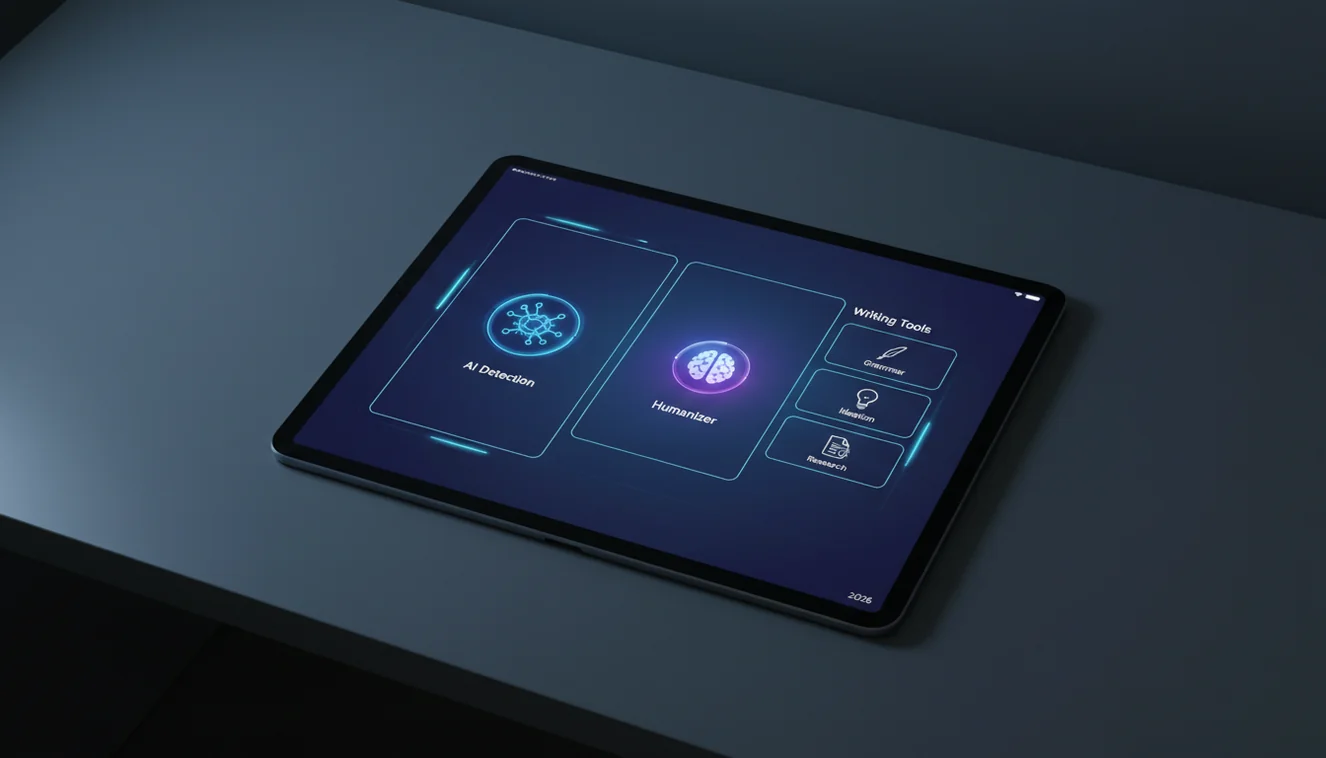
AI detector app with writing tools displayed on iPad

If you use AI detection or humanization occasionally, the free website may be enough. If you check large amounts of text, draft with AI frequently, or prefer a mobile-first experience, the app is the better choice. Download is free, so you can try it and decide.

Limitations

The app has limitations you should know. It requires an internet connection for AI detection and writing tools—there is no full offline mode. Accuracy of AI detection varies; no tool can guarantee 100% correct identification of AI vs. human text. Results depend on text length, writing style, and the AI model that may have generated the content.

The app is iOS-only. Android users must use the website. The image generator and some advanced features may have their own limits or require additional access. AI detection is a pattern-based analysis, not a definitive verdict—use it as one input when evaluating text, not as the sole basis for decisions.

Privacy considerations apply. Text you paste is sent to servers for processing. AI Detector App does not retain content for training, but if you work with highly sensitive material, consider the implications of cloud processing. Read the privacy policy for full details.

AI writer and checker app interface on iPhone

Related Tools

Frequently Asked Questions

What is the AI Writer & AI Checker app?

The AI Writer & AI Checker app is a mobile application for iPhone and iPad that combines AI detection, humanization, writing assistance, and chat in one place. It offers unlimited use of AI detection, humanizer, grammar check, paraphrasing, and over 200 AI chatbots. The app is free to download from the App Store.

Is the AI checker app free?

Yes. The app is free to download from the App Store. It offers unlimited access to AI detection, humanization, and writing tools. Some premium features may be available through in-app purchases, but core functionality including AI checking and humanizing is available at no cost.

Does the AI detector app work offline?

AI detection and most writing tools require an internet connection because they use cloud-based language models. The app needs to send text to servers for analysis. For offline use, consider downloading content in advance or using features that may cache certain functionality.

Can I use the app on Android?

The AI Writer & AI Checker app is currently available for iOS (iPhone and iPad) on the App Store. Android support may be added in the future. For now, you can use the AI Detector App website on any device with a browser for AI detection and writing tools.

What features does the AI checker app include?

The app includes AI detection, AI humanizer, AI writer, 200+ AI chatbots, image generator, grammar check, and paraphrasing tools. You get unlimited AI detection to check if text was written by ChatGPT, GPT-4, Gemini, or Claude, plus tools to humanize AI text and improve your writing.

How accurate is the AI detector in the app?

The AI detector uses advanced language models to analyze text for patterns associated with AI generation. Accuracy varies by text length, writing style, and the AI model used to create the content. No detector is 100% accurate; use results as one input among many when evaluating text.

Is my data private when using the app?

AI Detector App processes text for analysis but does not retain it for training or other purposes. Review the app's privacy policy for full details on data handling. Avoid pasting highly sensitive or confidential content if you have concerns about cloud processing.